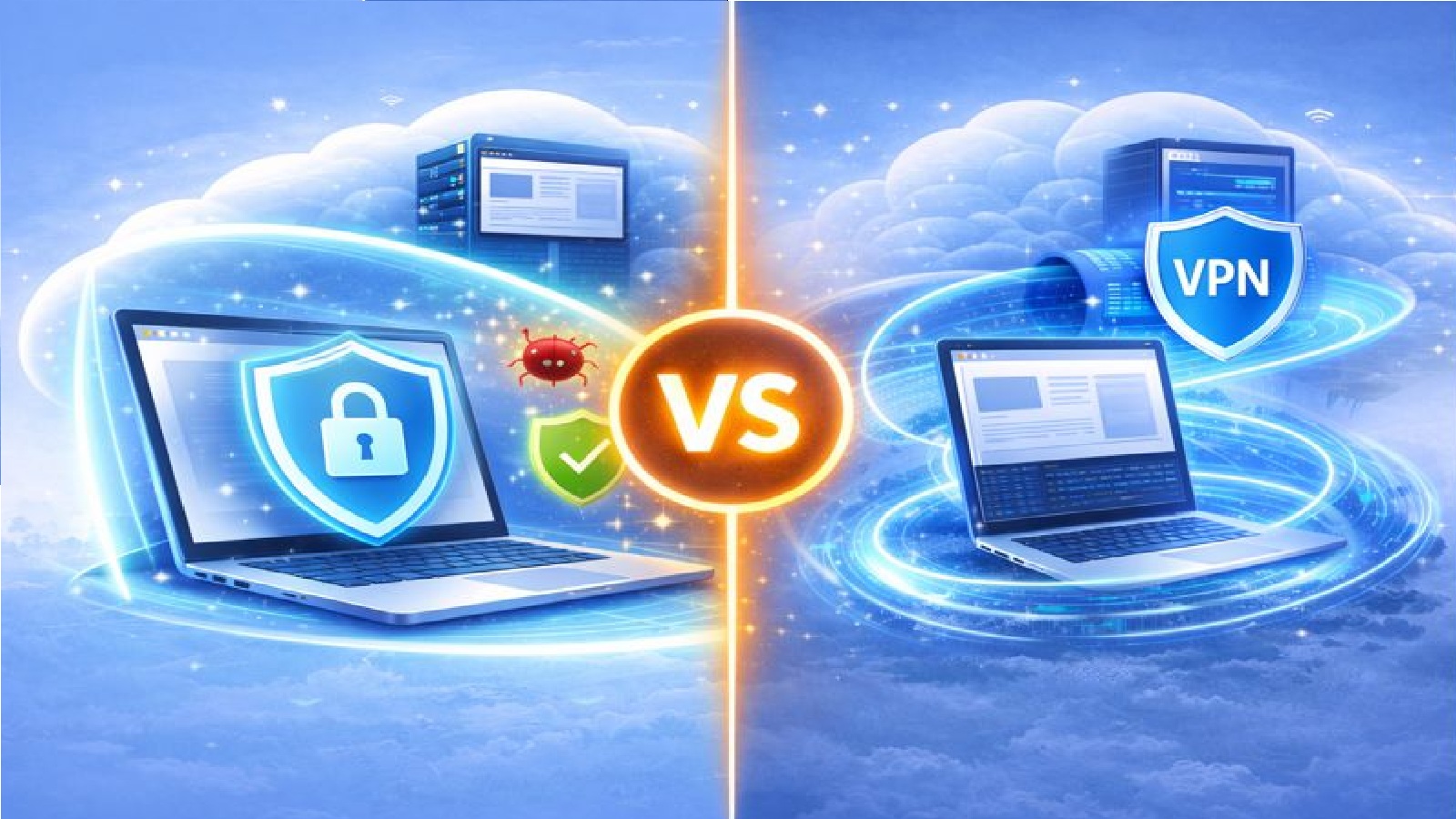
Two tools with different goals
Remote Browsers and VPNs are often mentioned together, but they solve different problems.
A VPN focuses on securing your network connection.
A Remote Browser focuses on isolating web activity away from your device.
Both can be useful, depending on what you are trying to achieve.
What is a VPN?
A VPN stands for Virtual Private Network.
You can think of it as a tunnel.
The tunnel starts on your computer and ends on a VPN server somewhere else.
When you use a VPN, your internet traffic travels through this tunnel.
What does a VPN do?
A VPN encrypts data between your device and the VPN server.
This helps protect your data from people on the same network, such as public WiFi users.
It can also hide your browsing activity from your Internet Service Provider.
When you visit websites using a VPN, those sites see the VPN server, not your home connection.
What a VPN does not do
A VPN does not prevent websites from storing cookies on your device.
You may still need to accept cookies that store personal data locally.
A VPN does not guarantee encryption all the way to the website.
If you visit a site using plain HTTP, the data is not encrypted beyond the VPN server.
A VPN does not stop website data from reaching your computer.
Malware, ransomware, and other threats can still land on your device.
A VPN does not provide full anonymity.
The tunnel ends at the VPN server, where connections continue to websites.
What is a Remote Browser?
A Remote Browser works in a different way.
Instead of tunnelling traffic from your device, the browser itself runs on a remote server.
Websites are loaded in that remote environment, not on your computer.
Your device only displays the session and sends your input.
What does a Remote Browser do?
A Remote Browser keeps websites away from your device.
Cookies, scripts, and downloads stay inside the remote session.
Your local system does not store website data.
If a website behaves badly, the impact is limited to the remote environment.
When the session ends, everything can be destroyed.
Privacy differences
A VPN hides your connection from your local network and ISP.
It does not hide your device from websites themselves.
A Remote Browser hides your device details from websites.
They see the remote browser instead of your local system.
This reduces tracking and fingerprinting of your real device.
Security differences
A VPN protects data in transit to the VPN server.
It does not isolate your browser from threats.
A Remote Browser isolates web activity entirely.
Threats stay in a separate environment and never reach your device.
This makes it more effective against malware and ransomware.
Ease of use
A VPN usually requires software installed on your device.
It may need configuration and regular updates.
A Remote Browser does not require local software.
You open a session online and start browsing.
This makes it easier to switch devices or locations.
Can they be used together?
In some cases, yes.
A VPN can protect network traffic.
A Remote Browser can protect your device from web based threats.
Using both provides layered protection, but it is not always necessary.
Which one should you choose?
A VPN is useful if you want to secure your network connection or hide activity from your ISP.
A Remote Browser is useful if you want to protect your device, reduce tracking, and contain threats.
The right choice depends on what you value most.
Final thoughts
VPNs and Remote Browsers solve different problems.
A VPN creates a secure tunnel for your data.
A Remote Browser moves risk away from your device.
Understanding the difference helps you choose the right tool for safer and more private browsing.