Why geographic restrictions exist
Many websites limit access based on location.
This can be due to licensing rules, legal requirements, or business decisions.
Some networks also block certain sites for policy or security reasons.
As a result, content that is available in one place may be unavailable in another.
How remote browsing helps
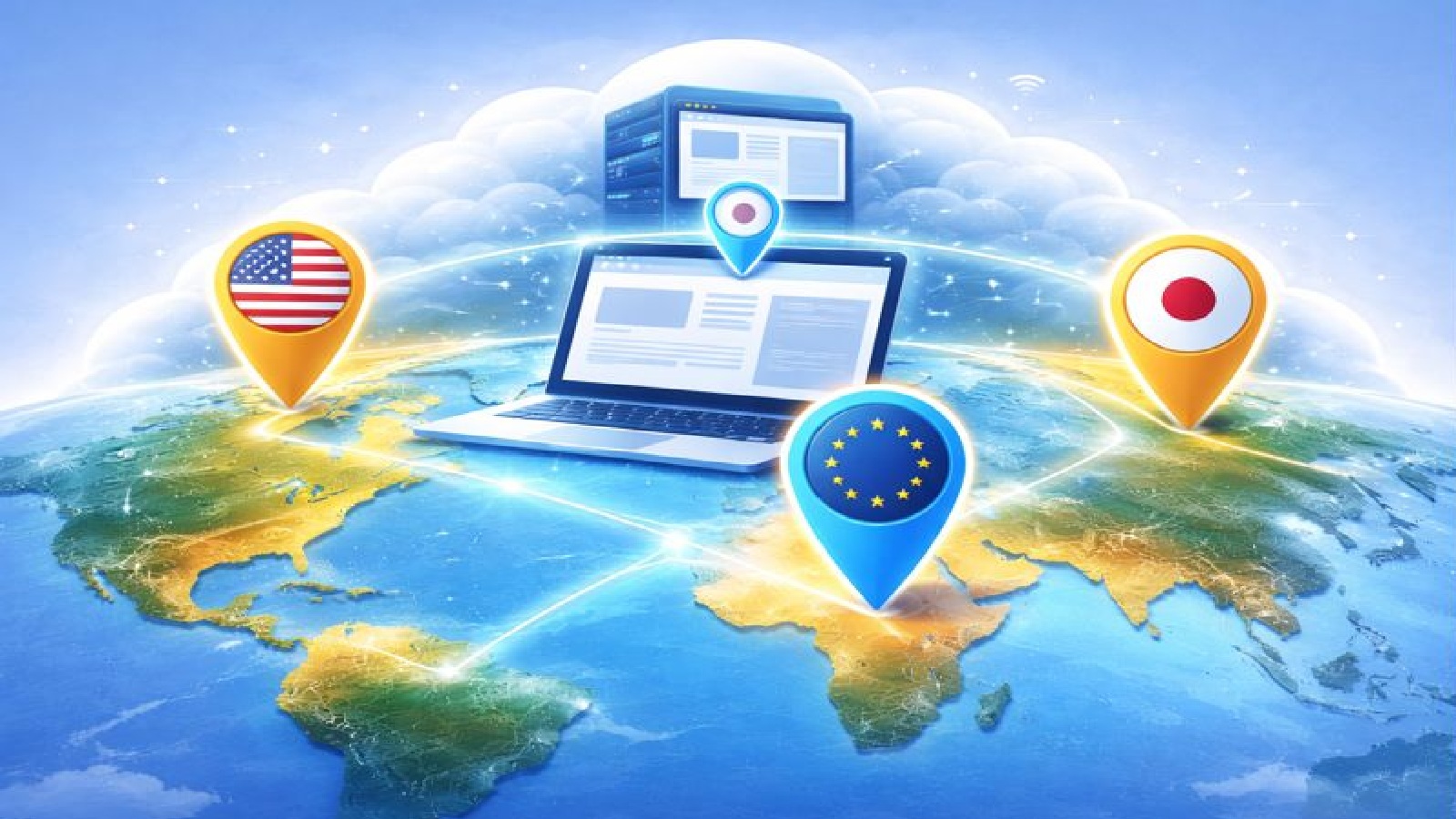
With a remote browser, the website sees the location of the remote server, not your own device.
Your browsing session runs in a data centre in a chosen region.
The site responds as if you are browsing from that location.
This makes it possible to access region specific content more easily.
Choose where your browser runs
When starting a Remote Browser session, you can select the region you want to use.
Available regions include:
- North America
- Europe
- Asia
Your browser session will run from servers in that region for the duration of the session.
Access content from different regions
Choosing a different region can help you:
- View region specific websites
- Test how content appears in other locations
- Access services limited to certain countries
- Work around network level restrictions
This can be useful for research, testing, or general browsing.
Works across networks
Geographic restrictions are not always based on country alone.
Some workplaces, schools, or public networks block categories of websites.
A remote browser runs outside of these local network rules.
Because the browsing happens elsewhere, access is often less restricted.
No changes to your local device
You do not need to change your network settings.
You do not need to install special software or tools.
You simply choose a region and browse as normal.
Your local device remains unchanged.
Useful for work and everyday use
Bypassing geographic restrictions is helpful if you:
- Travel frequently
- Work with international content
- Test websites from different regions
- Use restricted networks
It provides flexibility without added complexity.
Respecting local laws and policies
It is important to use remote browsing responsibly.
Always make sure you follow local laws, service terms, and organisational policies when accessing content.
Remote browsing is a tool for access and flexibility, not misuse.
Final thoughts
Geographic restrictions can limit access to information and services.
By using a Remote Browser session in a chosen region, you can browse as if you are in North America, Europe, or Asia.
This gives you more control over where your browsing appears to come from and helps you access the content you need, wherever you are.