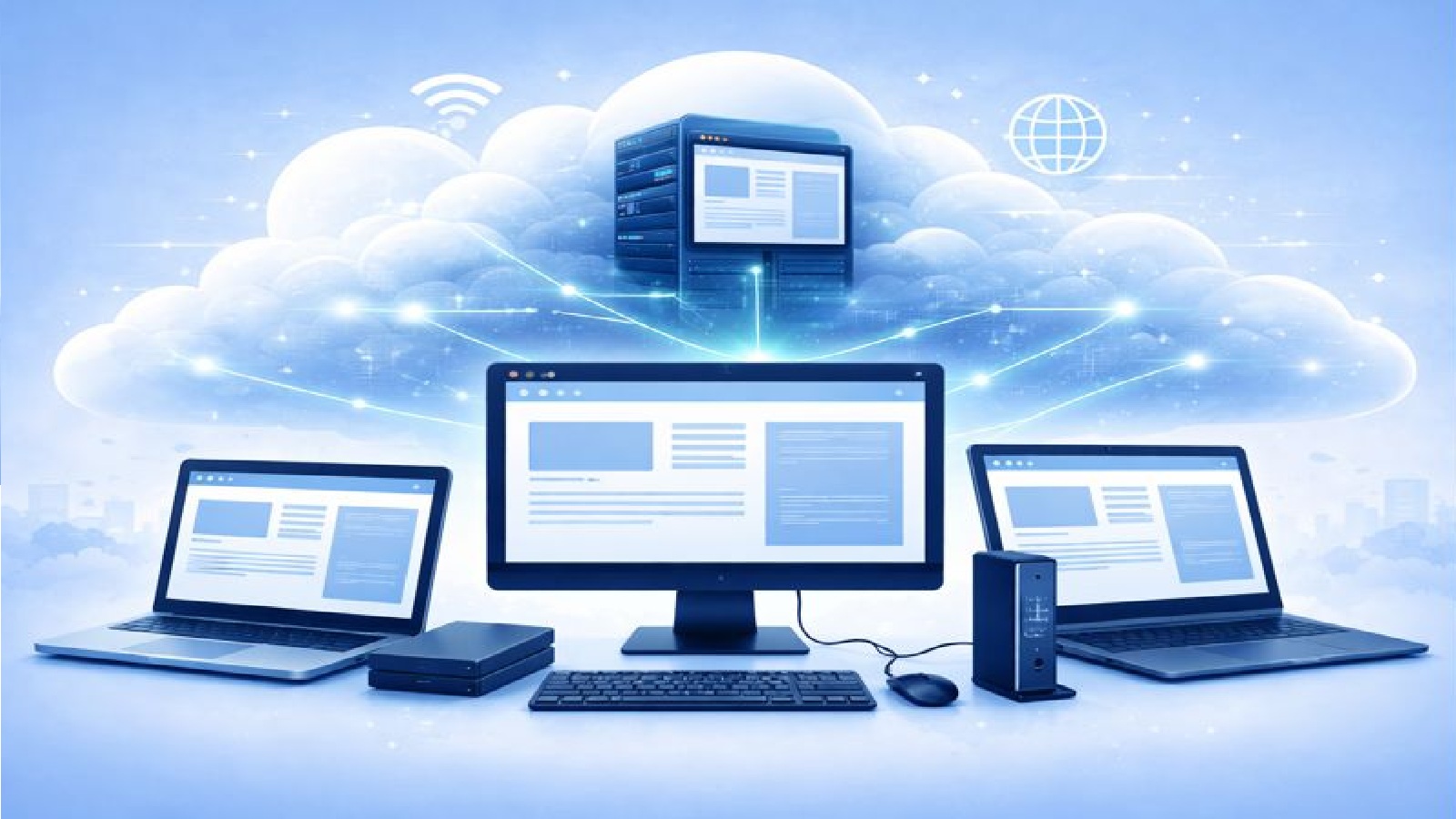
What does device independent browsing mean?
Device independent browsing means your browser does not live on your local computer.
Instead, it runs entirely online as a service.
You connect to it through the internet and use it in real time.
It works the same way whether you are on a laptop, desktop, tablet, or another supported device.
A true Browser as a Service
This approach is often called Browser as a Service.
The browser runs on a remote virtual server in the cloud.
Your device only displays the session and sends your input.
There is nothing to install and nothing to configure on your own machine.
No local software or add ons
You do not need browser extensions, plug ins, or special software.
There are no local agents running in the background.
There is no software that needs regular updates.
You simply open a session and start browsing.
This keeps your local device clean and reduces compatibility issues.
Access from any device
Because the browser runs remotely, the device you use matters less.
You can access your session from:
- A work laptop
- A personal computer
- A shared or temporary device
- Different operating systems
As long as you have an internet connection, you can reach your browser.
Works across networks
A device independent browser also works across different networks.
You can connect from home, the office, or while travelling.
You can move between networks without changing your setup.
This is useful when working remotely or switching locations during the day.
Consistent experience every time
Because the browser environment is hosted in the cloud, it behaves consistently.
You do not need to worry about local settings, extensions, or system differences.
The session starts in a known state each time.
This makes it easier to focus on what you are doing rather than how the browser is set up.
Useful for work and personal use
A device independent browser is useful if you:
- Switch between multiple devices
- Travel often
- Use shared computers
- Want a simple setup with no installs
It removes friction from everyday browsing.
All you need is an internet connection
The only requirement is access to the internet.
There is no dependency on powerful hardware.
There is no need to manage updates or compatibility.
Your browser is always available when you need it.
Final thoughts
A device independent Browser as a Service separates browsing from your device.
By running the browser online, you gain flexibility, consistency, and ease of access.
You can browse from anywhere, on almost any device, without installing anything.
For many users, this is a simpler and more modern way to use the web.