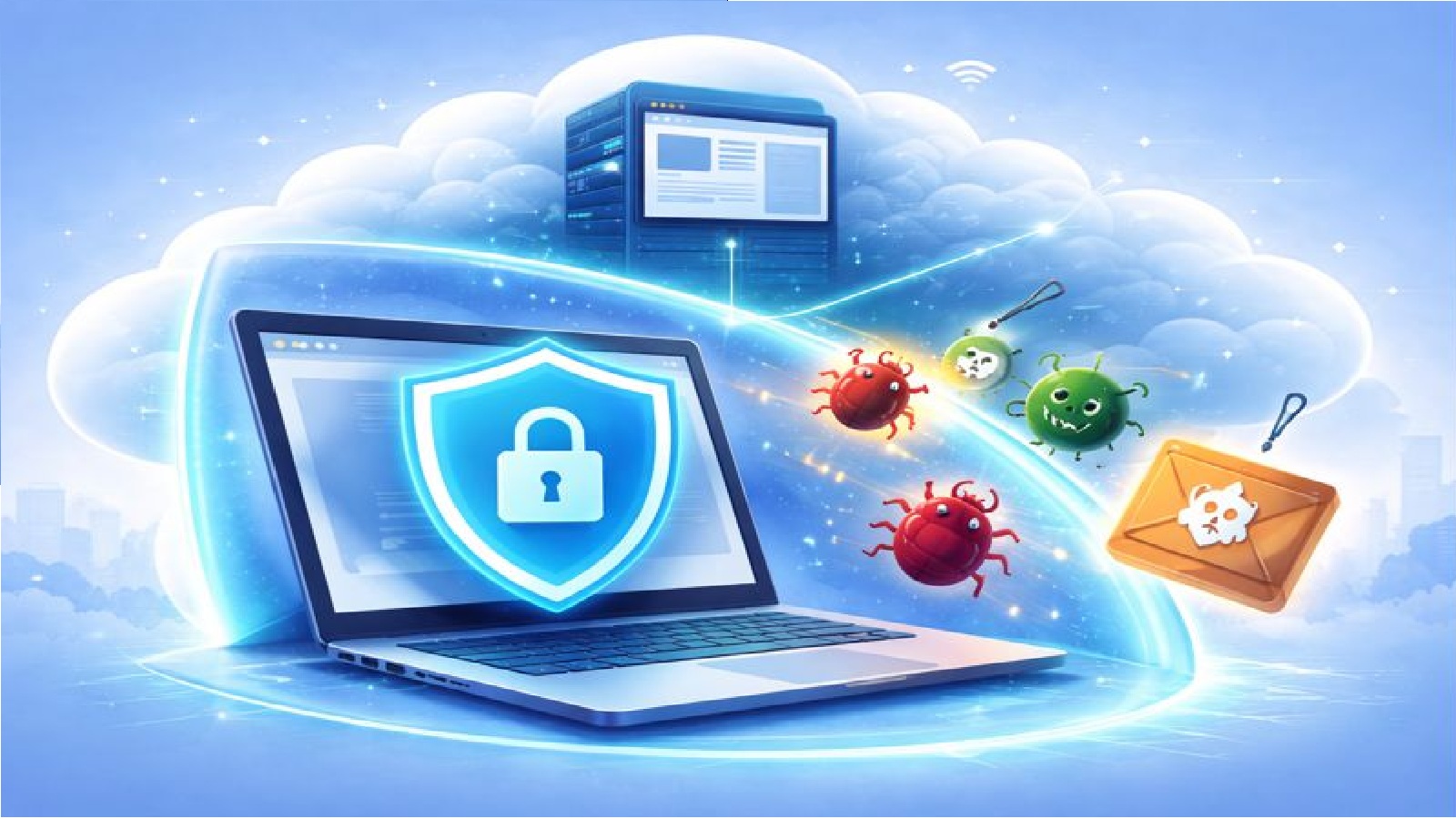
Why malware is still a problem
Malware has not gone away.
It has simply become quieter and more complex.
Websites can carry hidden threats such as viruses, worms, trojans, and ransomware.
Even trusted sites can be compromised without warning.
Once malware reaches your device, it can cause serious damage.
How malware reaches your device
Most malware enters through the web browser.
This can happen when you visit an infected website.
It can also arrive through downloads, pop ups, or malicious scripts running in the background.
Traditional security tools try to detect and block threats, but they cannot catch everything.
A different approach to protection
Remote browsing takes a different approach.
Instead of trying to clean malware after it arrives, it prevents it from reaching your device in the first place.
Your browser runs in a remote environment, separated from your local computer.
Any harmful code stays inside that remote system.
A separate security zone
When you use a remote browser, your session runs in its own security zone.
This zone is isolated from your local device.
It does not have access to your files, applications, or operating system.
Even if malware runs inside the browser, it cannot cross this boundary.
Protection from common threats
Using a remote browser helps protect against:
- Viruses that try to infect your system
- Worms that spread across networks
- Trojans that disguise themselves as safe content
- Ransomware that attempts to lock your files
These threats remain trapped in the remote environment.
Keeping your device clean
Because threats never reach your device, there is nothing to clean up later.
You do not need to remove infected files or repair damaged systems.
Your local machine stays in its original state.
This reduces downtime and avoids the stress of recovery.
Automatic clean up at session end
When your remote browsing session ends, the environment can be destroyed.
The operating system is removed.
The browser is deleted.
Any malware that may have been present disappears with it.
Each new session starts fresh.
Simple protection without extra effort
You do not need to change how you browse.
You open a session and use the web as normal.
Malware protection happens automatically in the background.
This makes strong security accessible without adding complexity.
Final thoughts
Malware protection is strongest when threats never reach your device.
By browsing in a remote and isolated environment, you create a clear separation between the web and your system.
This simple change can greatly reduce risk and help keep your device clean and secure.