Blog archive
All articles in date order.

On-demand: What does it mean for Remote Browser?
A straightforward guide to on-demand fleets, on-demand browser sessions, and what to expect while your remote browser capacity is prepared.
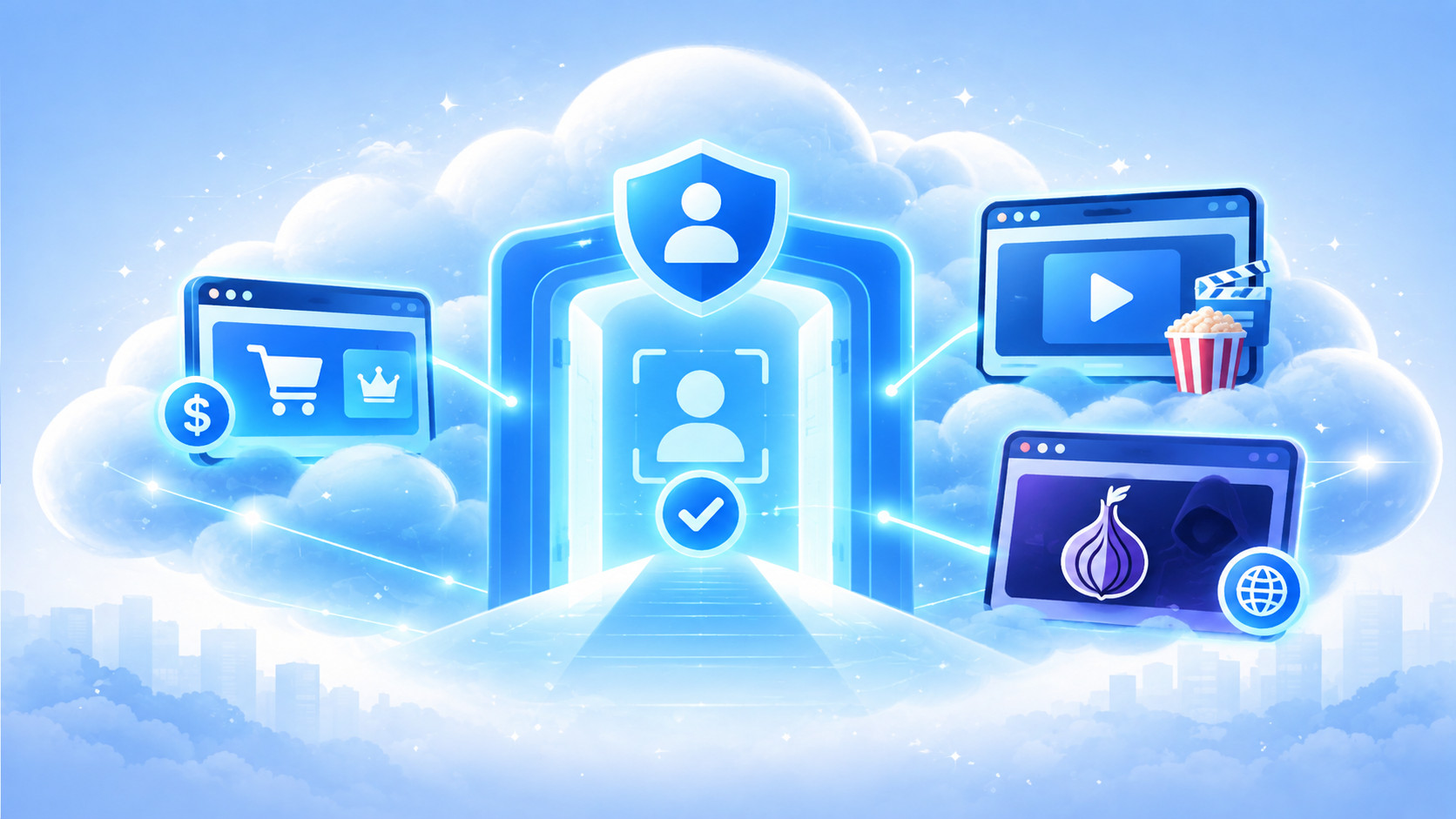
Why we chose to introduce age verification for some products
Why SafeJAM requires identity and age verification for subscriptions and specialist browser sessions while keeping basic remote browsing accessible.
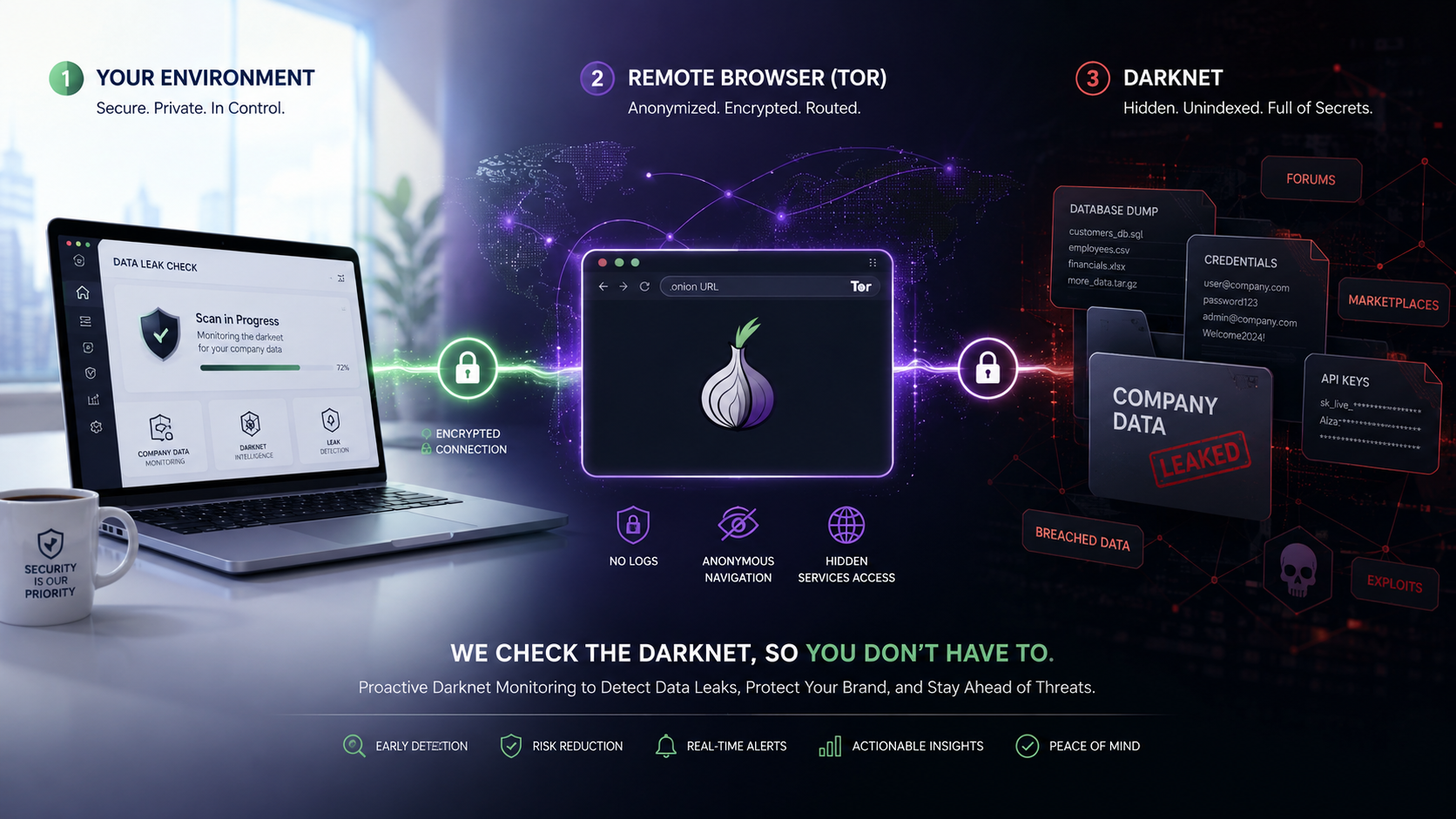
Check for Personal or Company Data with a DarkNet Browser Session
Use an isolated DarkNet Browser session featuring Tor to investigate whether personal or company information may have appeared on dark-web services.
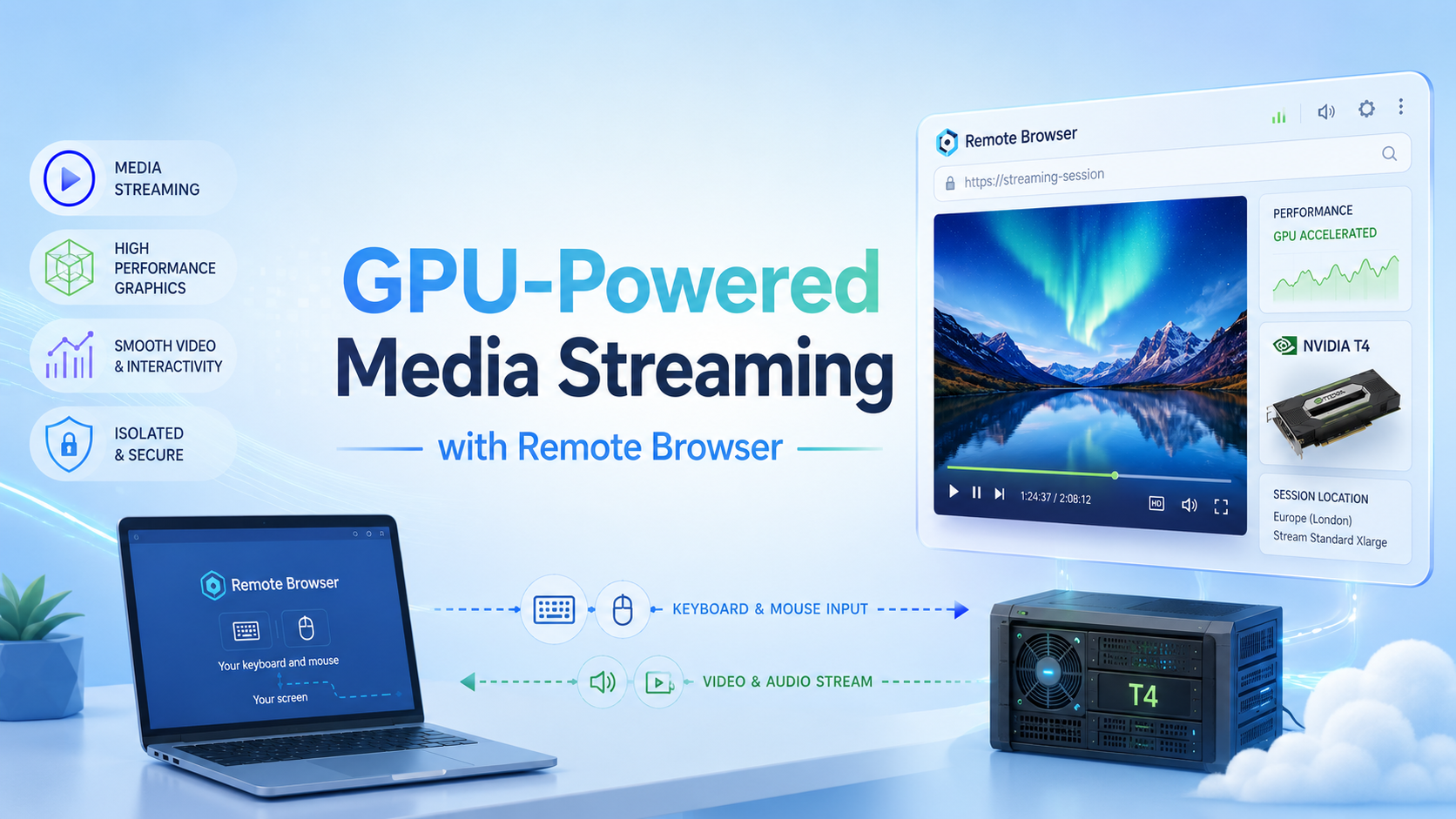
GPU-Powered Media Streaming with Remote Browser
The Media Streaming session uses NVIDIA T4 GPU-backed cloud capacity to support graphics-intensive websites and applications in a remote browser.
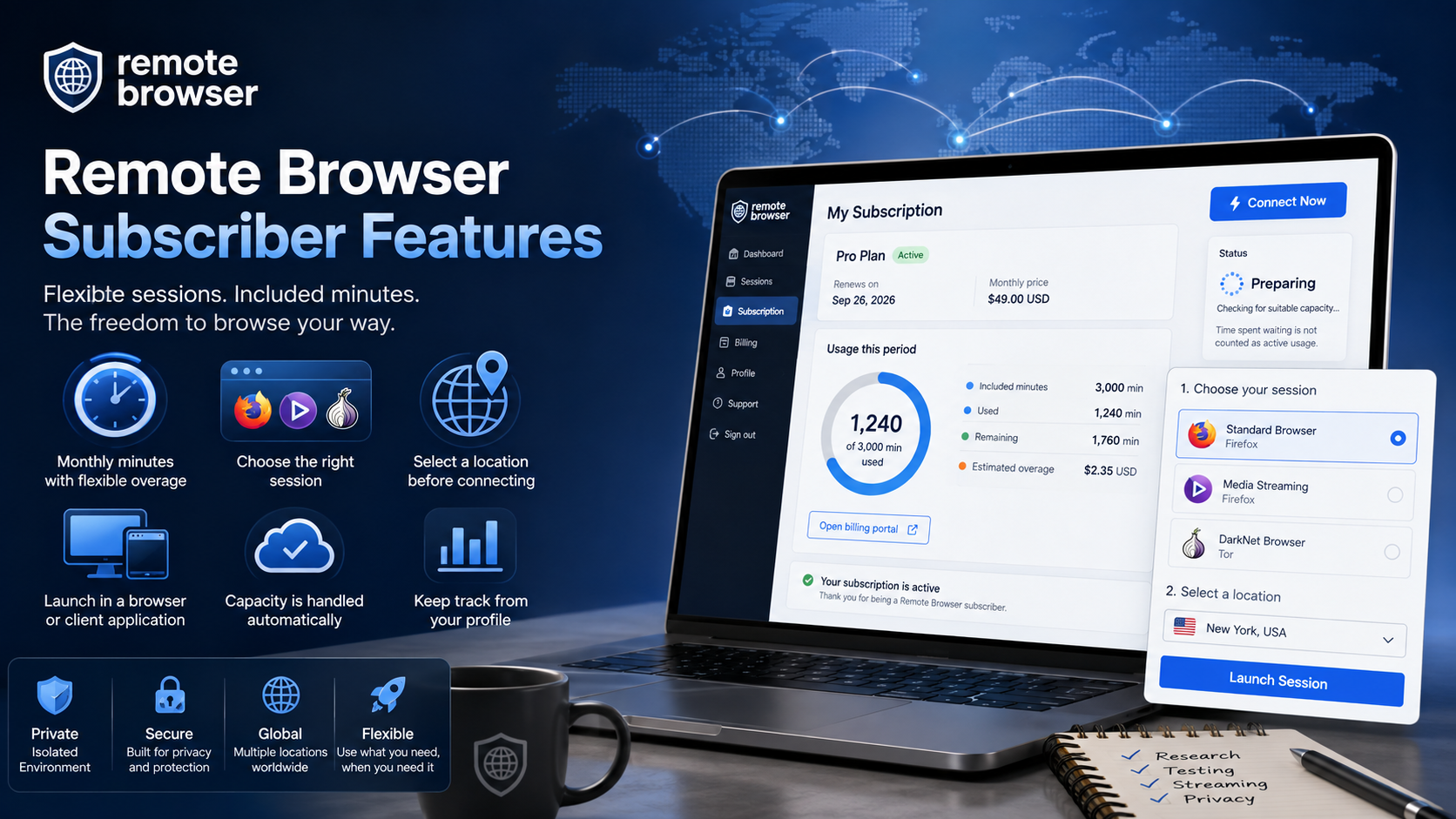
Remote Browser Subscriber Features
A Remote Browser subscription brings flexible session access, included monthly minutes, simple usage tracking, and a choice of specialist browsers and locations.
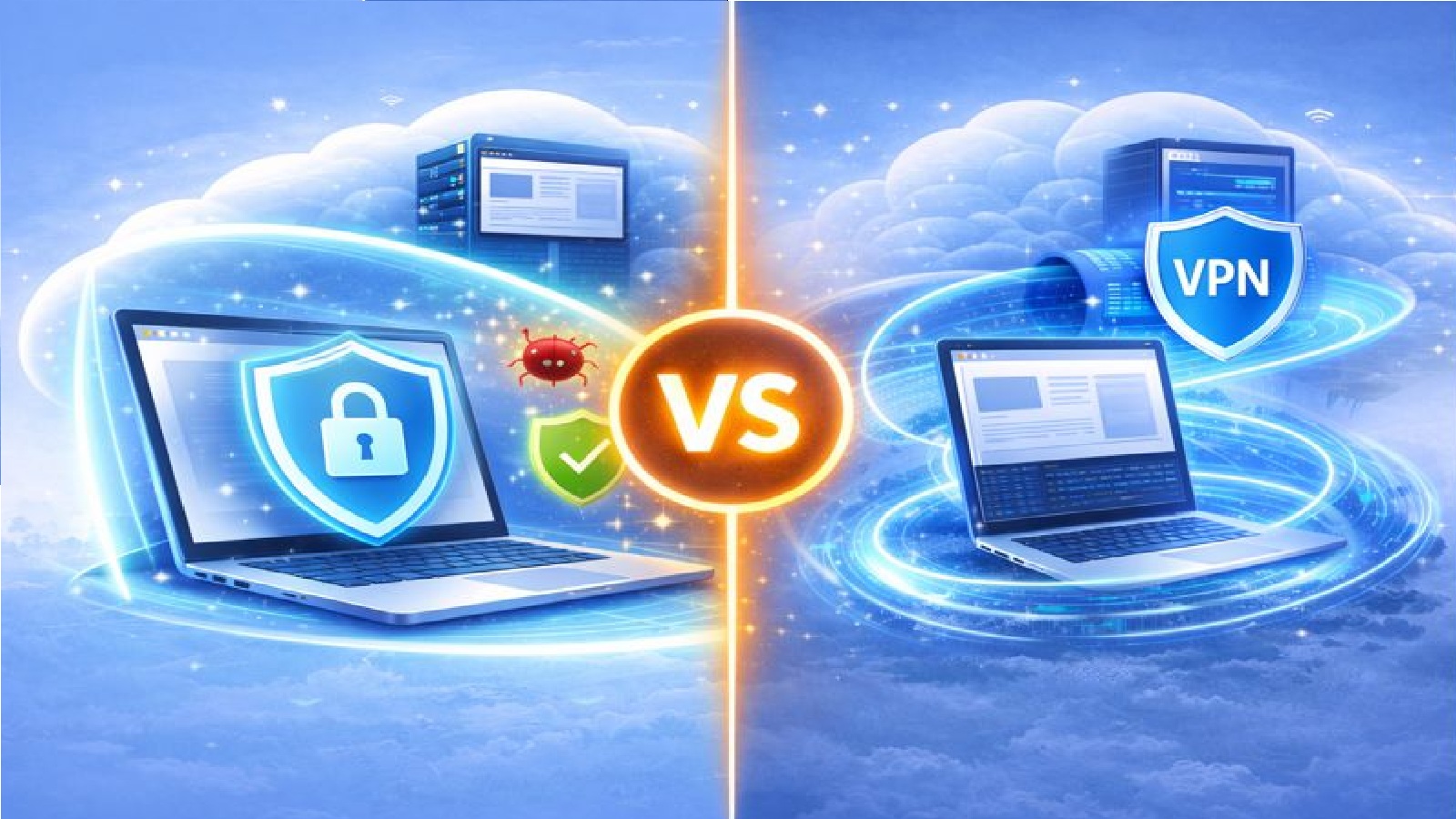
Remote Browser Compared to VPNs
Remote Browsers and VPNs both aim to improve privacy and security, but they work in very different ways. Understanding the differences helps you choose the right tool.
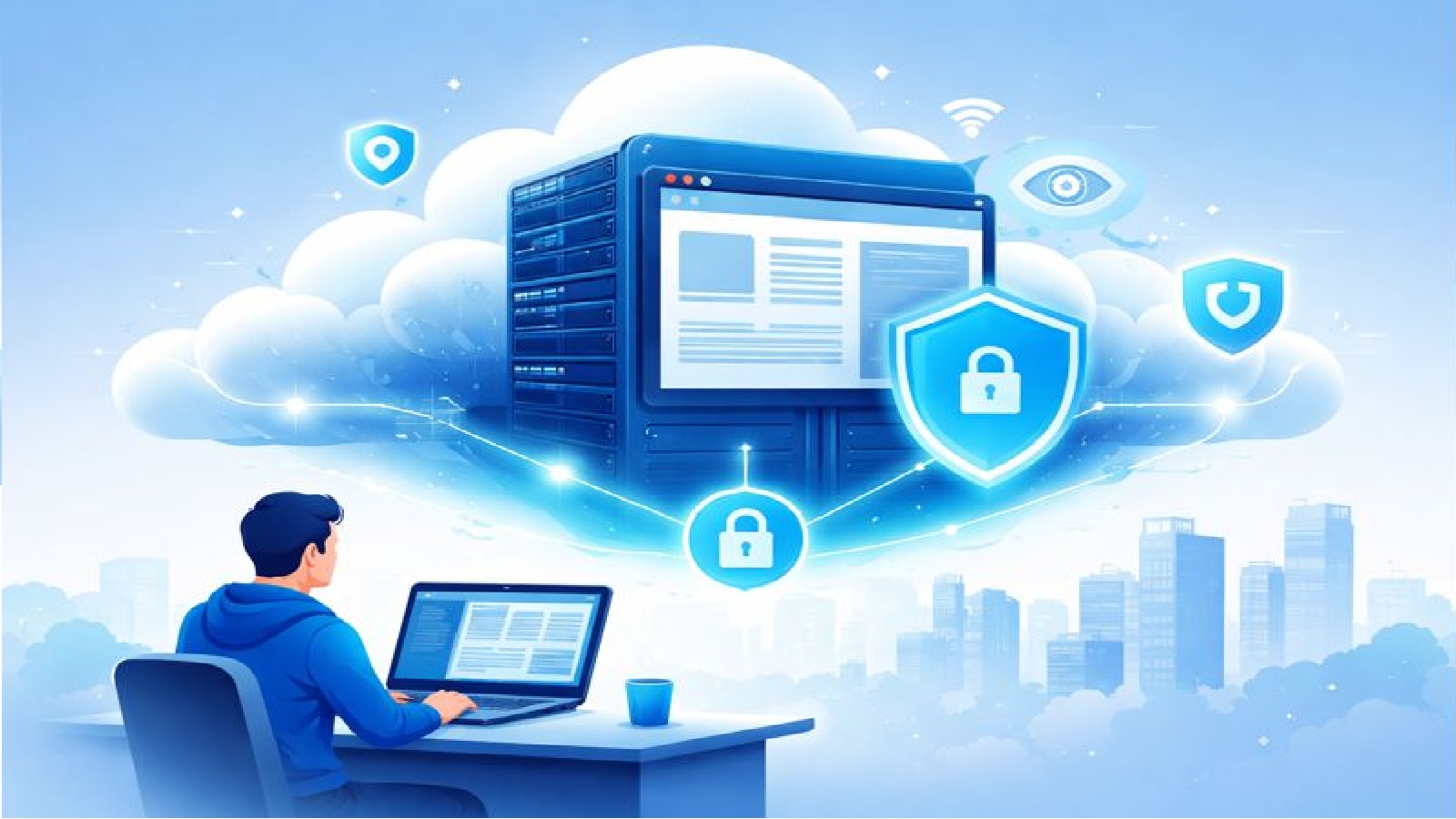
Remote Browser Isolation Explained
Remote Browser Isolation lets you browse the web on a secure cloud server instead of your own device. This helps protect your privacy and keeps threats away from your computer.
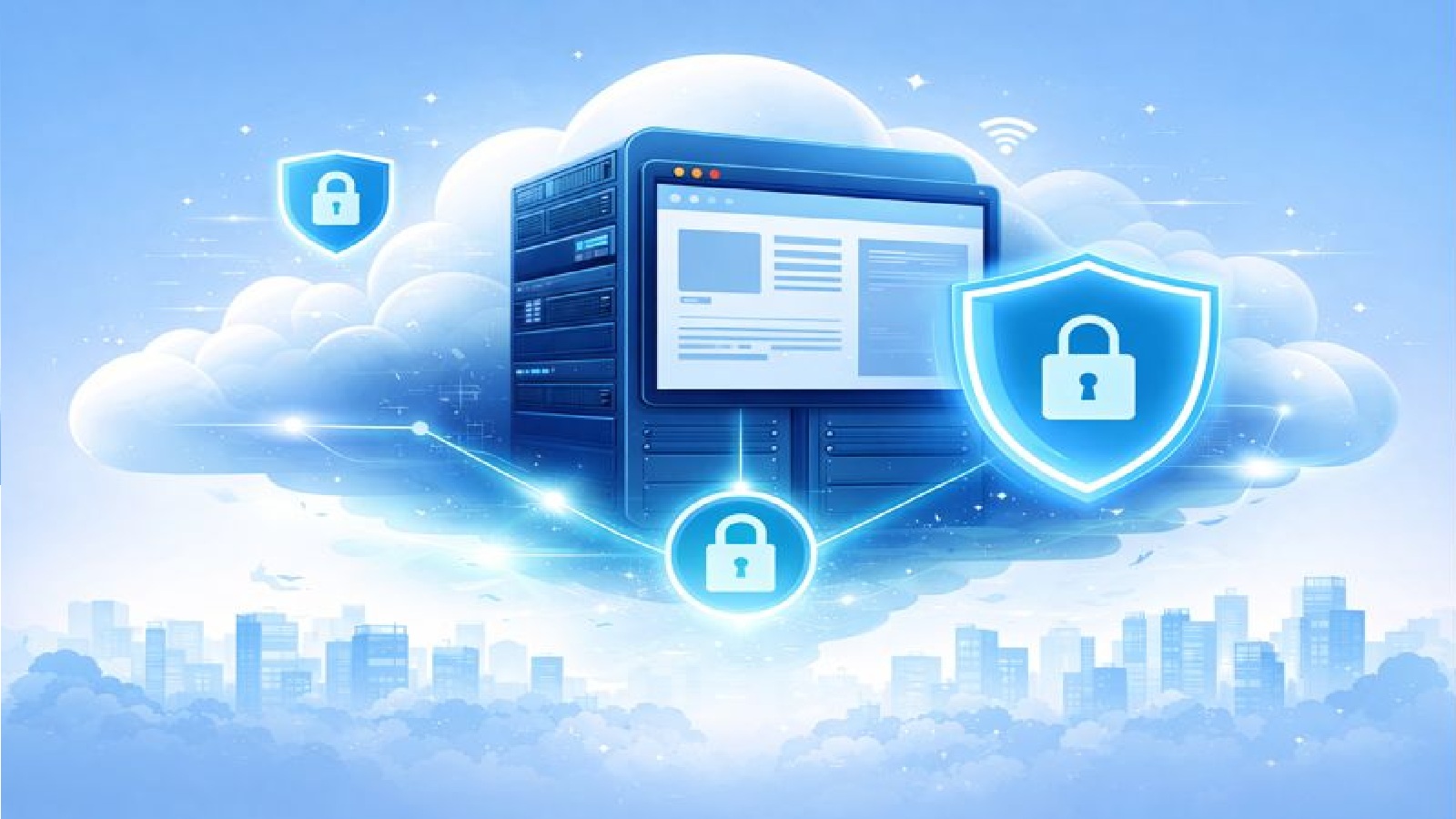
Secure Remote Browser Environment
A secure browser environment gives you a dedicated virtual server for each session. Nothing is shared and everything is destroyed when you finish browsing.
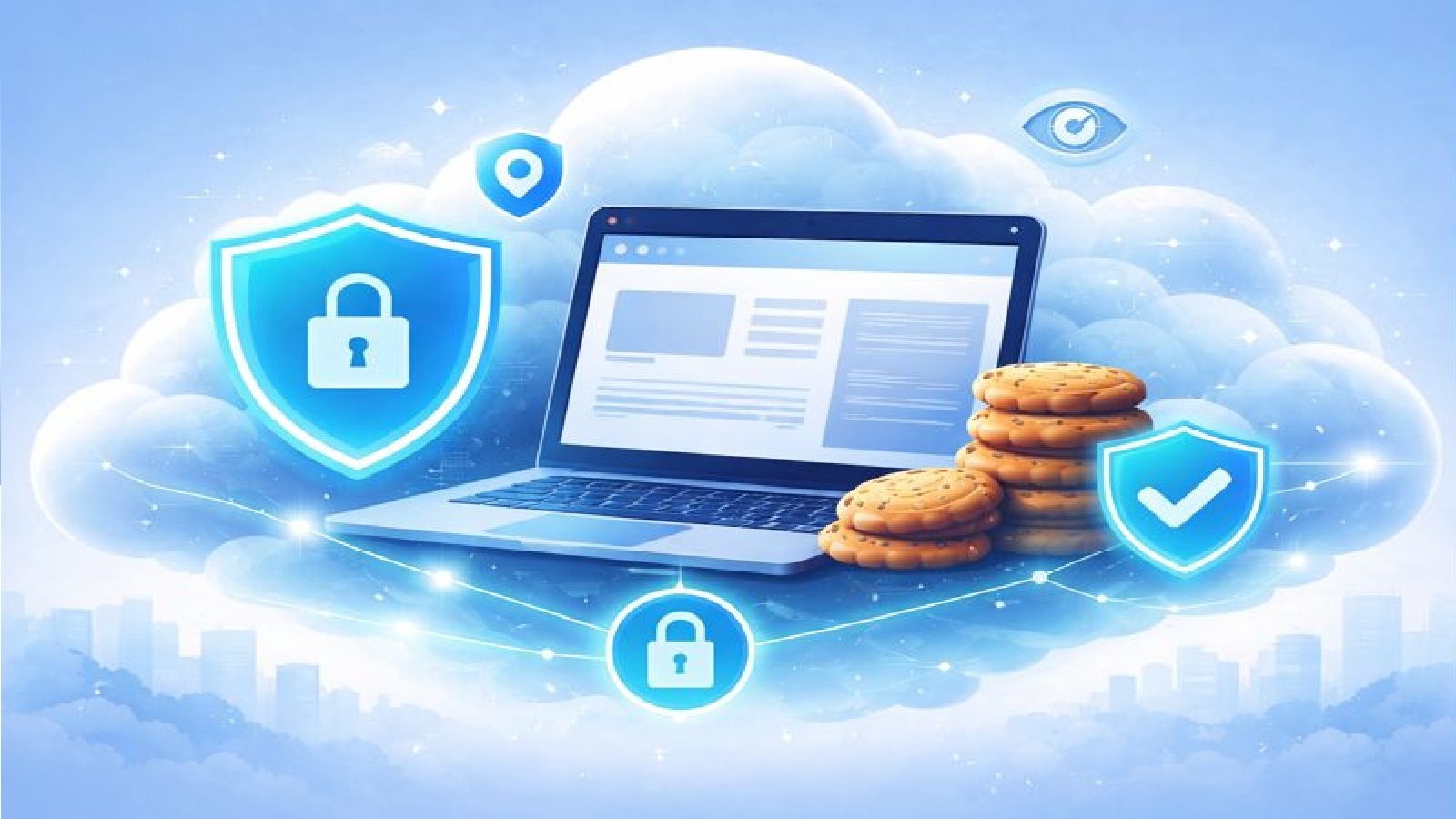
Remote Browser Privacy
Browse the web with reduced tracking exposure and without revealing details of your local device. All cookies and tracking data are removed when your remote session ends.
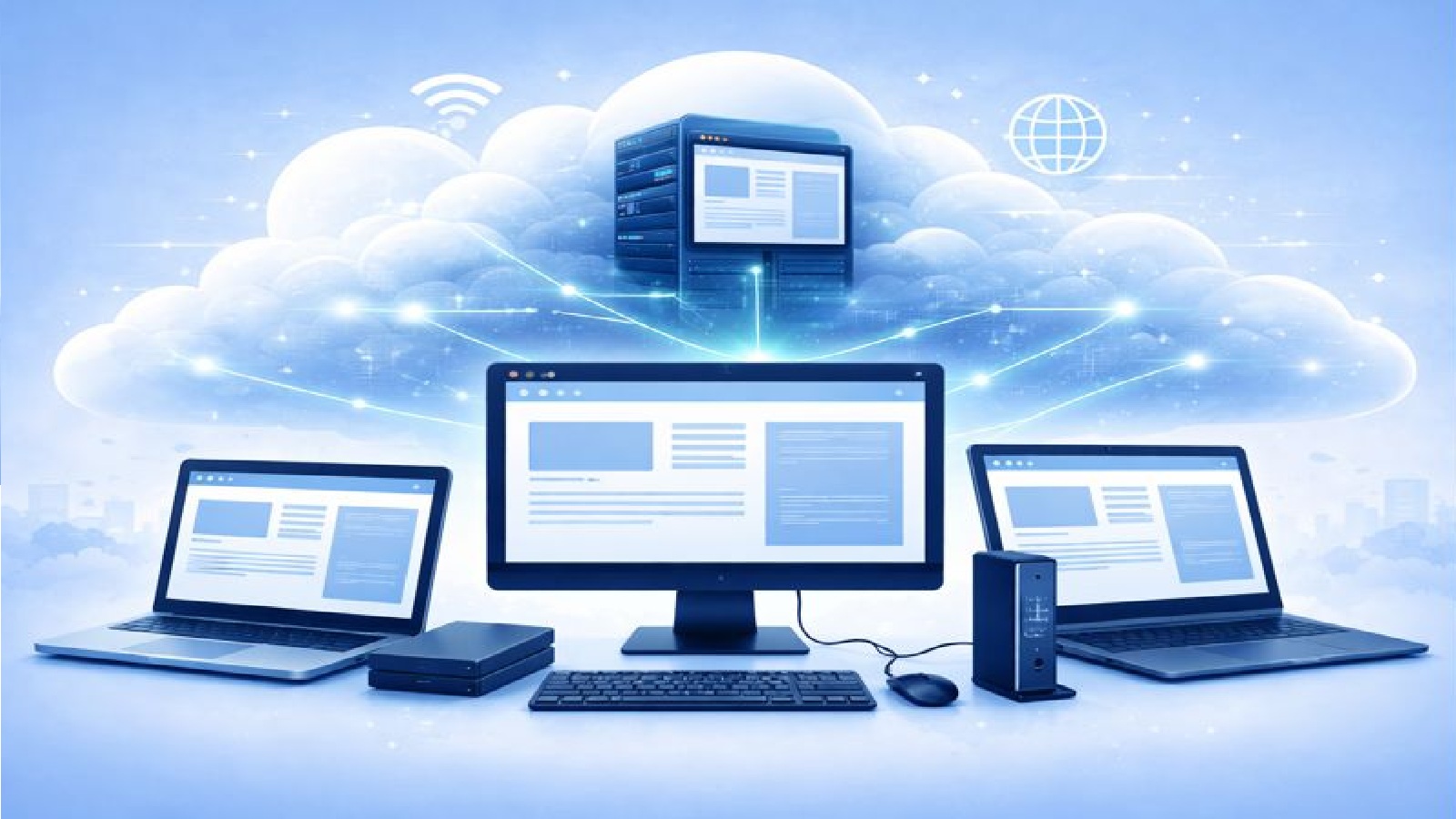
Device Independent Remote Browser as a Service
A device independent Browser as a Service lets you access a full remote browser from anywhere. No software to install and no dependence on a specific device or network.

Remote Browser Malware Protection
Using a remote browser helps prevent viruses and other malicious software from reaching your device by keeping threats contained in a separate security zone.

Bypass Geographic Restrictions with Remote Browser
Access websites and online content that are restricted by location or network rules by using a remote browser session in North America, Europe, or Asia.

Remote Browser Sandbox Testing
Use a fully featured interactive browser running in a sandbox environment to test websites and online services in a safe and controlled way.

Remote Browser Access from Anywhere
A Remote Browser lets you access your browsing session from almost anywhere. As long as you have an internet connection, your browser is always within reach.
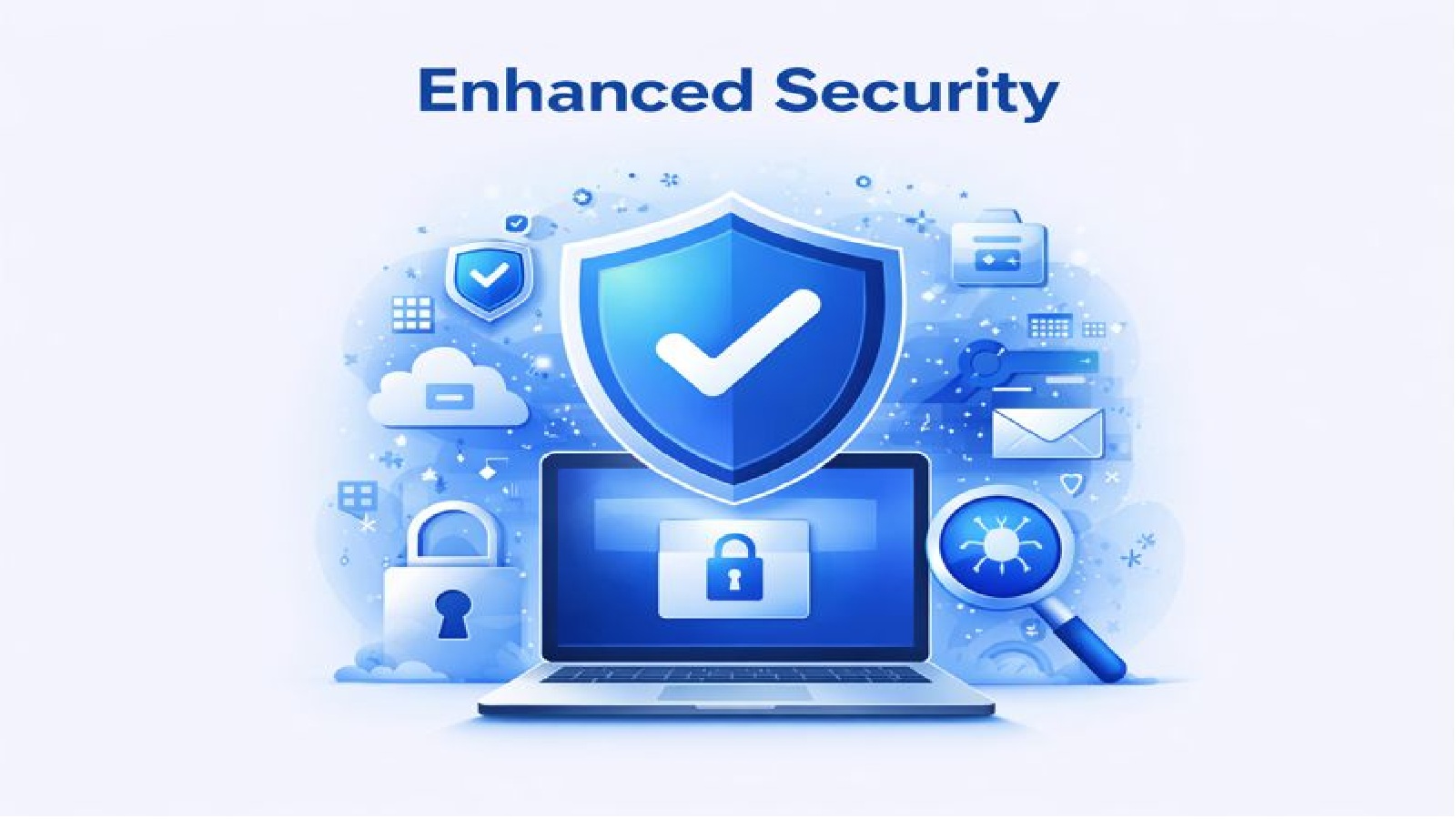
Remote Browser Enhanced Security
A Remote Browser provides enhanced security by isolating web activity from your device. Threats stay in the remote environment and never reach your system.